
GAMERIGADVISOR / EDITORIAL RESEARCH CENTER
Better hardware decisions start here.
Explore expert-informed buying guidance for gaming PCs, graphics, monitors and components—with the context to choose confidently.
Explore buying guides ↗
FIND YOUR STARTING POINT
Explore by hardware category
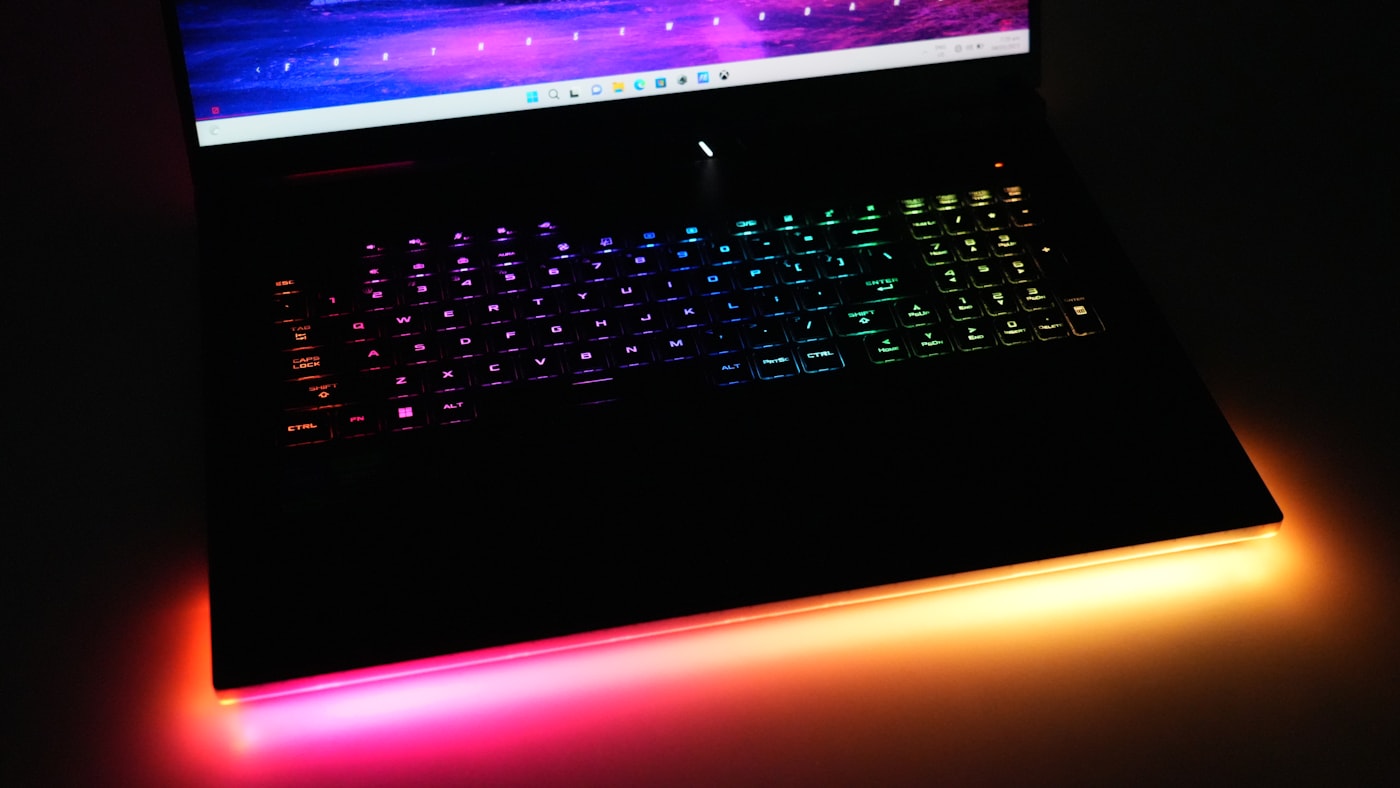
Gaming PCs & laptops
Cooling, portability, serviceability and real-world trade-offs.
ASUS TUF vs Acer Nitro: Which Gaming Laptop Is Better in 2026? ↗Is a Refurbished Gaming Laptop Worth It? A Buyer’s Inspection Guide ↗Graphics & performance
Choose graphics hardware for your actual setup.
RTX 5060 vs RTX 4060 Laptop GPU: Which Gaming Laptop Is the Better Buy? ↗RTX 5070 vs RTX 5060 Desktop GPU: Which Graphics Card Should You Buy? ↗
Displays & monitors
Resolution, panel technology and screen format explained.
OLED vs IPS Gaming Monitor: Picture Quality, Motion and Burn-In Compared ↗1440p vs 4K Gaming Monitor: Which Resolution Should You Buy? ↗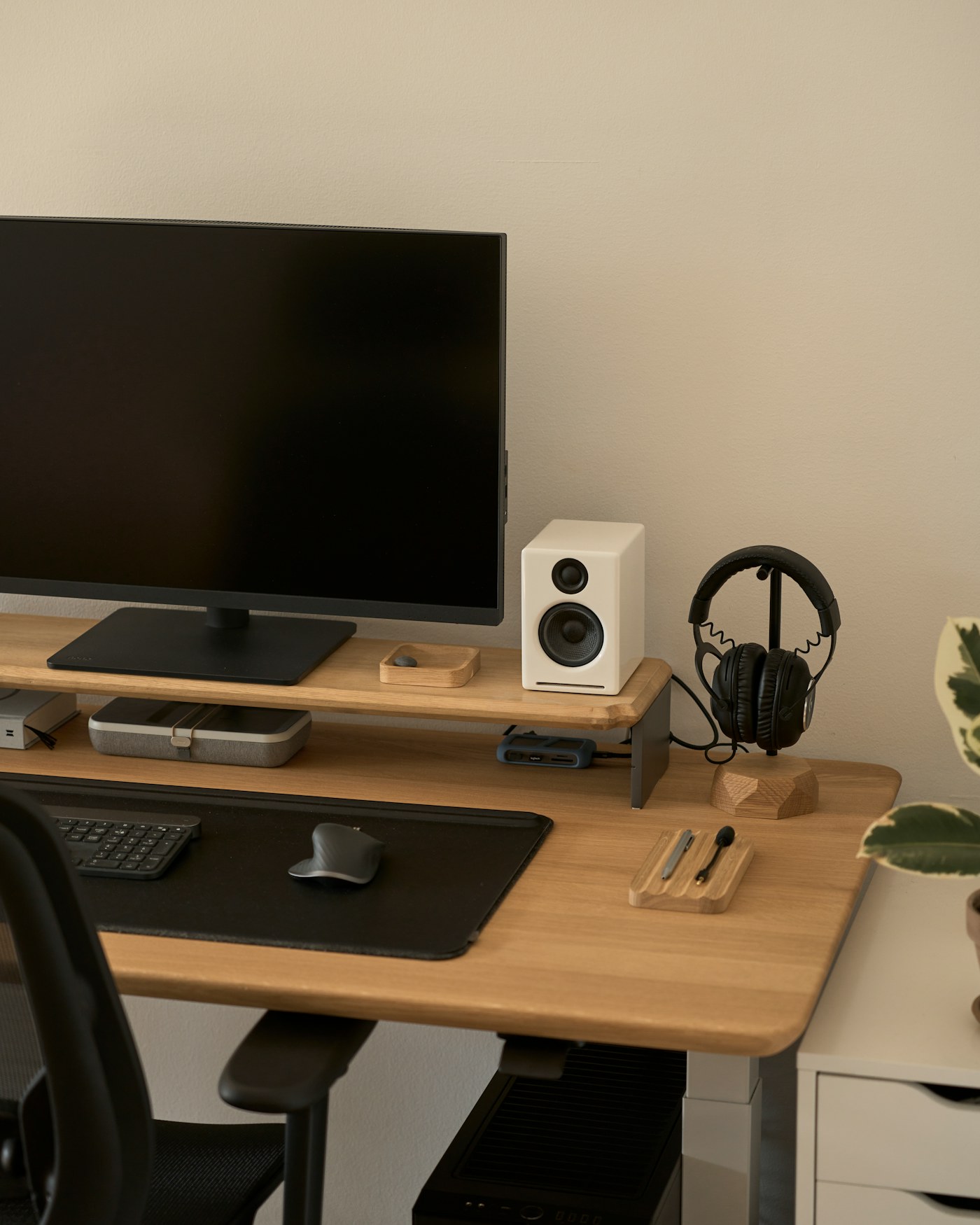
Memory & upgrades
Understand useful upgrades without overspending.
16GB vs 32GB RAM for Gaming in 2026: Is 32GB Worth It? ↗8GB vs 16GB RAM for Gaming: How Much Memory Do You Need? ↗FEATURED DESKTOP COMPARISON
Alienware vs HP Omen
A closer look at hardware configuration, cooling, serviceability, ownership costs and which kind of buyer each approach suits.
Read the comparison →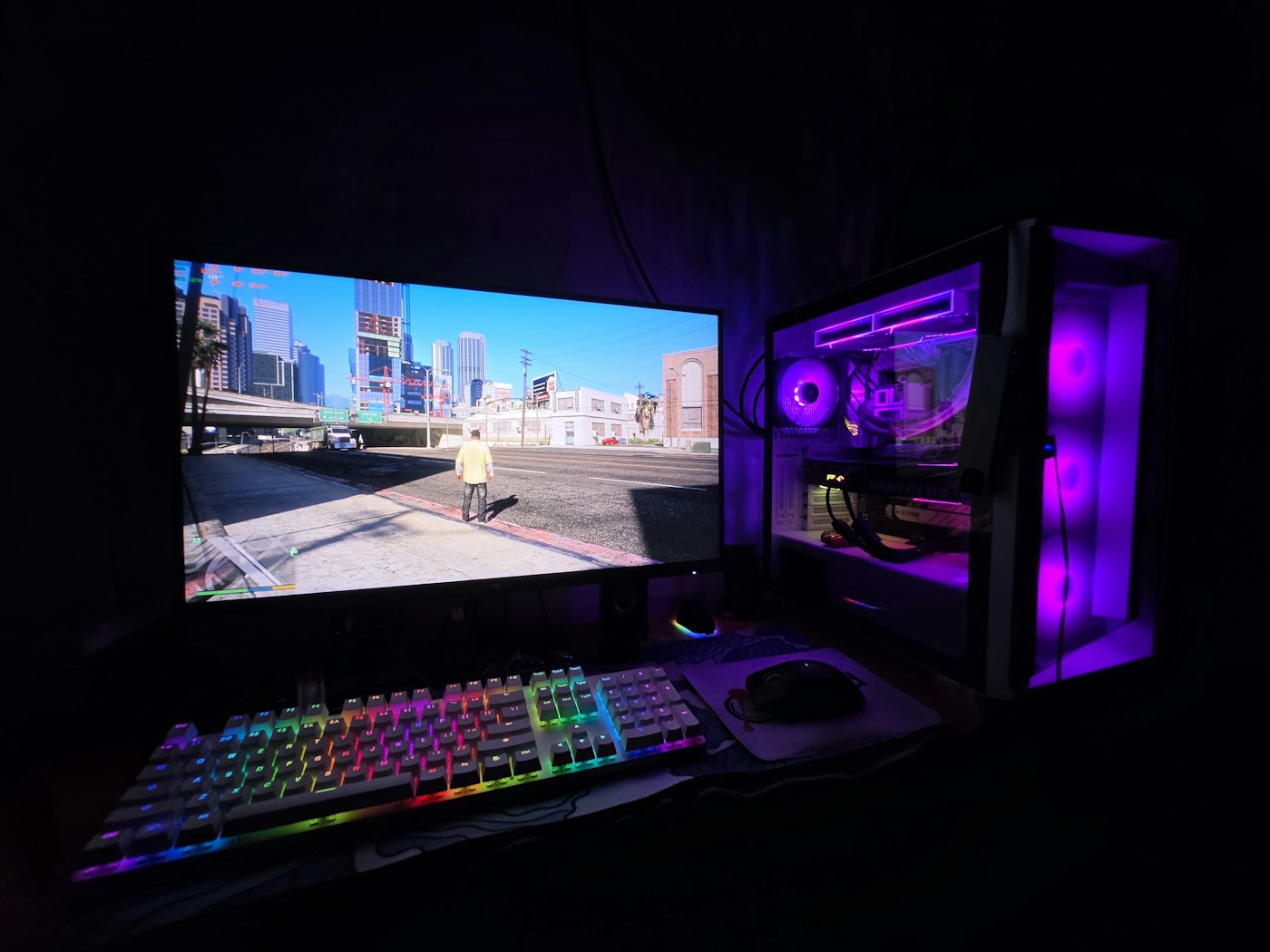
COMPLETE RESEARCH LIBRARY
Latest buying guides & comparisons
16GB vs 32GB RAM for Gaming in 2026: Is 32GB Worth It?
16GB is enough for many games; 32GB is better for new mid-range PCs, streaming, simulation and heavy multitasking. See which capacity fits your setup.
Read research →1080p vs 1440p Gaming Monitor: Which Resolution Should You Buy?
Compare 1080p and 1440p gaming monitors by image sharpness, GPU demand, refresh rate, screen size and total upgrade cost.
Read research →1440p vs 4K Gaming Monitor: Which Resolution Should You Buy?
Compare 1440p and 4K gaming monitors by sharpness, GPU demand, screen size, refresh rate and total system cost.
Read research →8GB vs 16GB RAM for Gaming: How Much Memory Do You Need?
Learn when 8GB of RAM is enough for light gaming and when 16GB is the right minimum for a gaming PC or laptop in 2026.
Read research →ASUS TUF vs Acer Nitro: Which Gaming Laptop Is Better in 2026?
Compare ASUS TUF and Acer Nitro gaming laptops by actual GPU power, cooling evidence, display, upgrades, warranty and total cost. A model-specific buying guide, not a brand popularity contest.
Read research →OLED vs IPS Gaming Monitor: Picture Quality, Motion and Burn-In Compared
Compare OLED and IPS gaming monitors by contrast, motion clarity, brightness, text use, burn-in risk, price and warranty.
Read research →Is a Refurbished Gaming Laptop Worth It? A Buyer’s Inspection Guide
Learn when a refurbished gaming laptop is worth buying, what condition labels mean and how to check battery, cooling, warranty, seller and exact specifications.
Read research →RTX 5060 vs RTX 4060 Laptop GPU: Which Gaming Laptop Is the Better Buy?
Compare RTX 5060 and RTX 4060 laptop GPUs by architecture, memory, power range, DLSS support and total laptop value before upgrading.
Read research →RTX 5070 vs RTX 5060 Desktop GPU: Which Graphics Card Should You Buy?
Compare the RTX 5070 and RTX 5060 desktop graphics cards by performance, memory, ray tracing, upscaling and value.
Read research →Ultrawide vs Standard Gaming Monitor: Which Should You Buy?
Compare ultrawide and standard 16:9 gaming monitors by field of view, performance, panel type, curve and compatibility.
Read research →ABS vs Skytech Gaming PCs in 2026
Compare ABS and Skytech gaming PCs by build quality, component selection, performance, pricing, upgradeability and long-term value.
Read research →Lenovo Legion vs ASUS ROG: Which Gaming Laptop Should You Buy in 2026?
Research-led Lenovo Legion vs ASUS ROG buying comparison covering laptop GPU power, displays, thermals, serviceability, costs and the exact model specifications that matter.
Read research →RTX 5070 vs RTX 5060 Laptop GPUs in 2026: Full Comparison
Compare RTX 5070 and RTX 5060 laptop GPUs by gaming performance, power limits, memory, efficiency and value.
Read research →Gaming laptops under $1,000: what the money buys in 2026
Compare gaming laptops under $1,000 by GPU, display, cooling, memory, storage and overall value for 1080p gaming.
Read research →Gaming laptops under $1,500: compare the real configurations
Compare specific RTX 5060 and RTX 5070 laptop listings under $1,500 by display, memory, condition and overall configuration.
Read research →Gaming laptops under $2,000: verify the performance tier
Compare two specific RTX 5070 and 5070 Ti gaming laptop listings below $2,000, including condition, display and GPU specifications.
Read research →Gaming laptops over $2,000: compare flagship configurations
Compare exact Origin PC premium gaming laptops with RTX 5070, 5080 and 5090 hardware, published configuration pricing and practical buying checks.
Read research →Gaming PCs under $1,000: compare what is really included
Compare specific used and refurbished gaming desktops under $1,000 by graphics, CPU, storage, condition and purchase considerations.
Read research →Gaming PCs under $1,500: compare the complete systems
Compare specific gaming desktops under $1,500, including RTX 5060 and 5060 Ti systems, listed conditions and upgrade considerations.
Read research →Gaming PCs under $2,500: spend on verified hardware
Compare specific gaming desktop listings below $2,500, including a new Lenovo tower and lower-cost MSI and ASUS alternatives.
Read research →Gaming desktops over $2,500: inspect the complete build
Compare specific Origin PC flagship desktop configurations featuring RTX 5070 and RTX 5080 graphics, listed pricing and full-build considerations.
Read research →How to Choose a Gaming Monitor: Resolution, Motion and Display Quality
A research-based gaming monitor buying guide covering resolution, refresh rate, response behavior, OLED and IPS panels, connectivity and how to evaluate real offers.
Read research →Gaming Chairs vs Office Chairs: How to Choose Support That Actually Fits
An editorial guide to gaming chairs and ergonomic office chairs, emphasizing adjustability, body fit, materials, durability and meaningful product evidence.
Read research →