Current fixed listings
Compare exact item prices, condition and seller feedback across laptops, desktops, graphics cards and gaming monitors.
Browse current products →Compare gaming laptops, desktops, monitors, accessories and important specifications before opening individual marketplace listings.
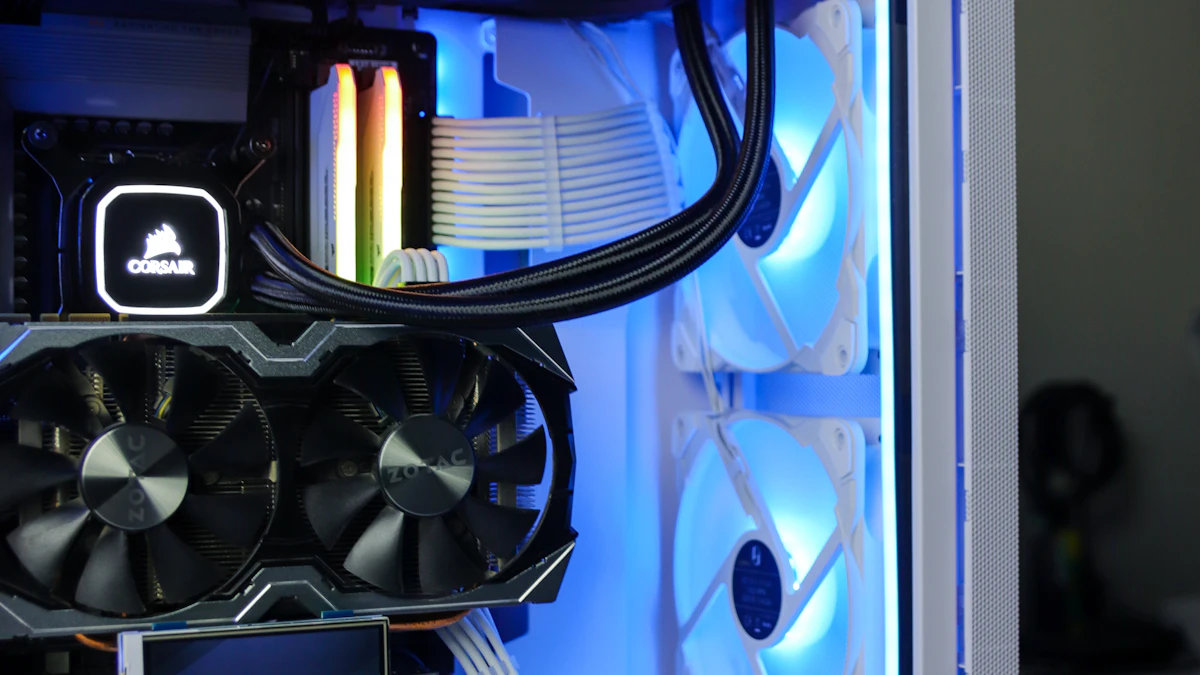


Each category connects practical buying guidance, focused comparisons and relevant marketplace searches.
Portable gaming
Compare laptop GPUs, displays, cooling, memory, portability and price tiers.
Open laptop guides
Power and upgrades
Research prebuilt desktops, component quality, cooling and upgradeability.
Open desktop guides
Display research
Compare resolution, refresh rate, panel technology, response and screen size.
Open monitor guides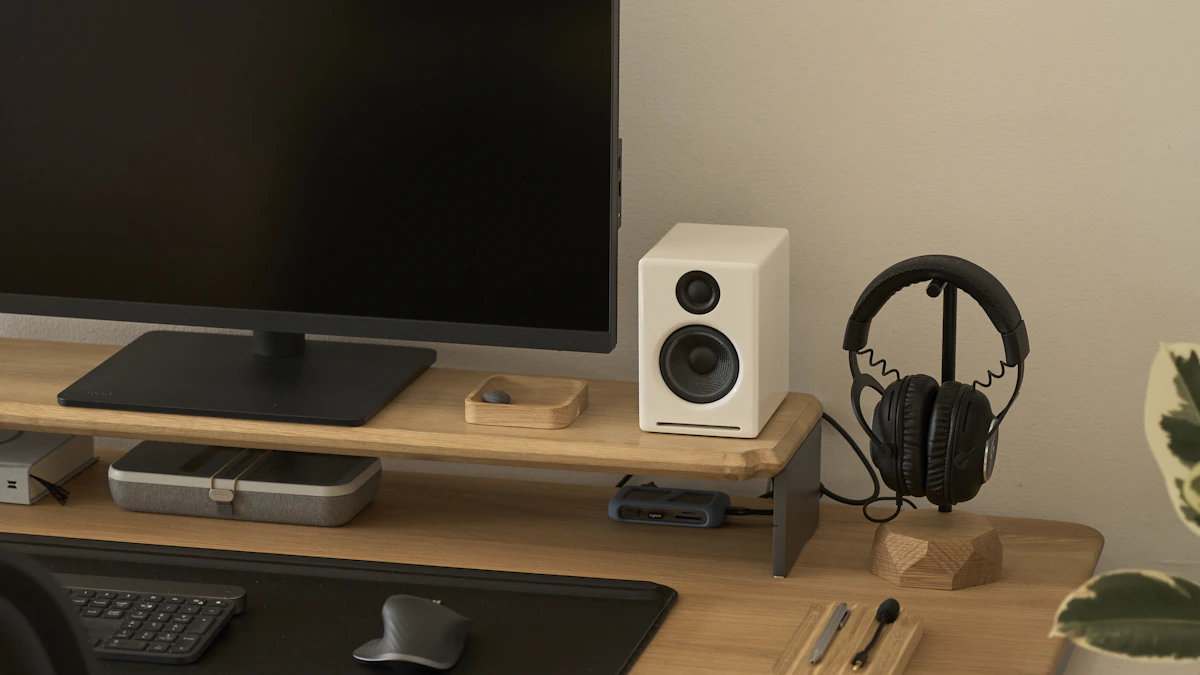 Complete the setup
Browse keyboards, mice, headsets, controllers, storage and comfort upgrades.
Open accessory guides Side-by-side decisions
Compare platforms, GPU tiers, display options, memory capacity and other important tradeoffs.
Browse comparisonsGameRigAdvisor keeps marketplace listings and manufacturer configurations separate so prices and buying terms remain clear.
Compare exact item prices, condition and seller feedback across laptops, desktops, graphics cards and gaming monitors.
Browse current products →Compare current Origin PC desktop and laptop families when customization and premium component choice matter.
Compare Origin PC systems →These articles answer high-intent questions that often determine whether a system or upgrade is worth the price.
Decide whether the newer laptop GPU tier is worth paying more for.
Compare the GPUs →
Choose memory capacity based on games, multitasking and upgrade options.
Compare memory →
Balance image quality, frame rate, refresh rate and screen size.
Compare resolutions →
Compare contrast, motion response, brightness, longevity and price.
Compare panels →
Evaluate condition, warranty, battery, seller quality and configuration.
Read the guide →
Find an ergonomic chair that supports long sessions without paying for marketing hype.
Read the guide →
Compare sharpness, GPU demand, screen size and total system cost.
Compare resolutions →
Compare performance, memory, ray tracing and upscaling for desktop builds.
Compare the GPUs →
Learn when 8GB still works and why 16GB is the 2026 minimum.
Compare memory →
Compare switches, layouts and build quality across every budget.
Read the guide →
Compare weight, sensor and shape for the right grip style.
Read the guide →
Compare audio, microphone quality and comfort for long sessions.
Read the guide →
Compare field of view, performance and compatibility before buying.
Compare panels →Use the Deals page to search live gaming laptops, desktops, monitors and accessories after narrowing the specifications that matter.